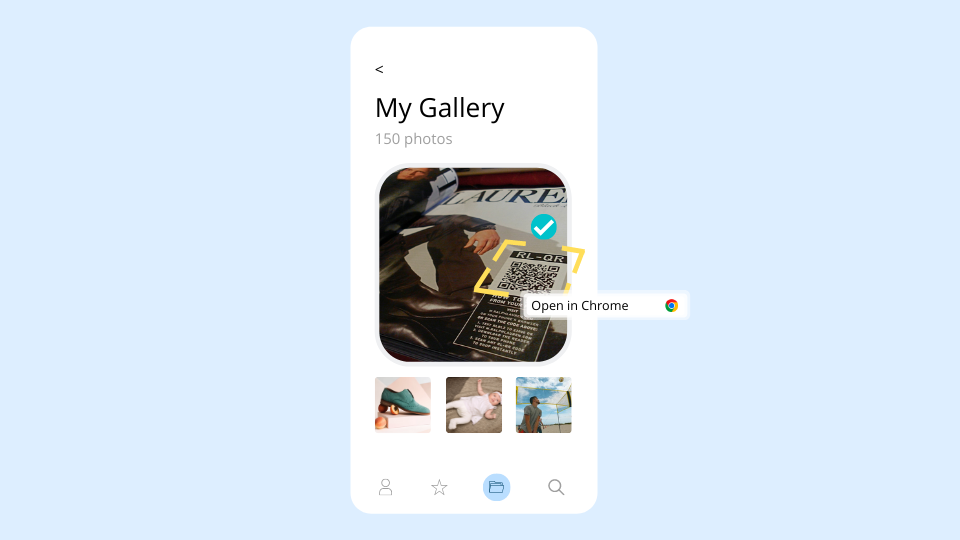
Augmented reality and QR codes – What you need to know
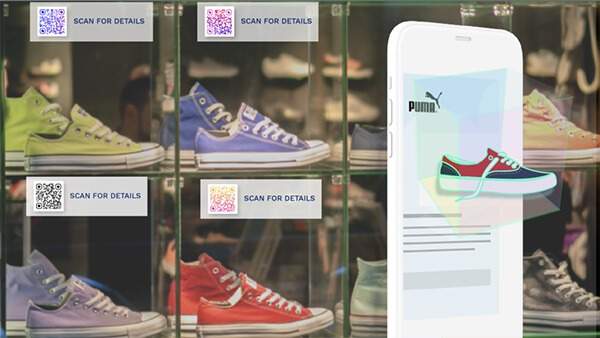
Both AR and QR Codes can create a huge impact on your business. Understand the difference between them, find out how you can create an augmented reality QR Code, and how you can use QR Codes to deliver AR experiences.
💻 Key takeaways:
1. AR QR Codes combine traditional QR Codes with immersive augmented reality experiences. AR QR Codes don’t really replace traditional QR Codes but can be used to add an advanced layer of engagement and experience.
2. AR QR Codes showcase products in 3D, allowing customers to visualize them before they shop.
3. They are significantly used to create immersive learning experiences in the education sector, run interactive marketing campaigns and enhance customer engagement with advertisements.
Would you believe the first introduction of AR technology dates back to 1968?
The technology was first introduced with Ivan Sutherland’s development of the first head-mounted display system. However, the term ‘augmented reality’ wasn’t used until 1990 by Boeing researcher Tim Caudell.
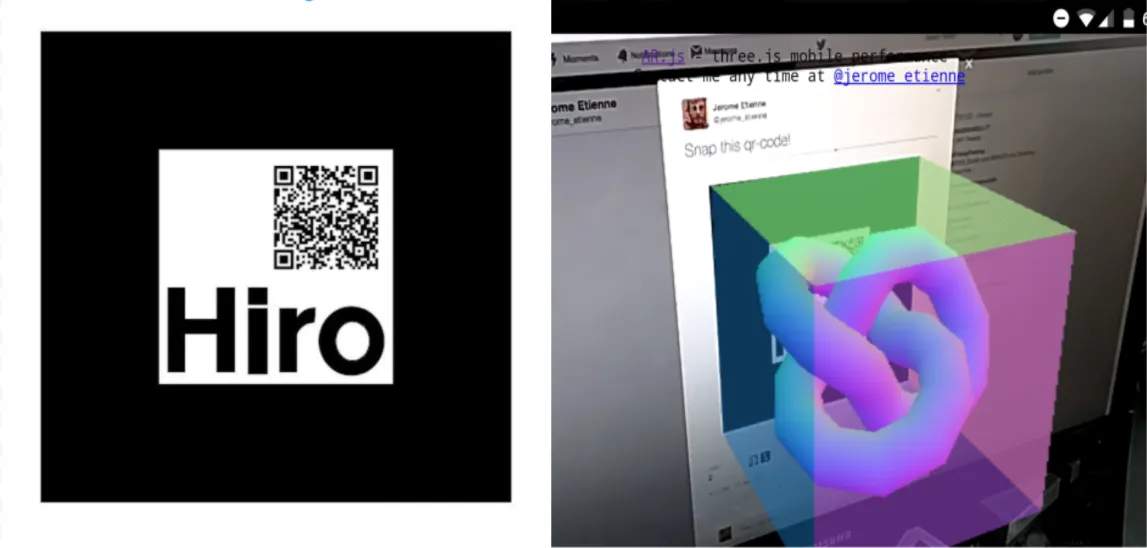
An AR code is a QR Code with a marker for AR.js that redirects the user to the AR web app or mobile app. You can easily create an AR Code with a QR Code maker.
AR codes lets you add an extra dimension to the product by creating interactive content to the real world around you.
You don’t need a specific app to run AR applications.
With the introduction of QR Codes in augmented reality, you can scan an AR code natively and engage with the content. You just need to point your camera towards the QR code with AR.js marker and it will redirect you to the specific URL containing the augmented reality web app.
💡Fun Fact:
92% of business leaders expect a wider adoption of AR QR Codes over the next 18 months.
Explore more fascinating insights in our State of QR Code Report!

Comparison between AR and QR Codes
Although AR and QR codes have similar goals of engaging users but they are quite different in general.
QR Codes are 2D barcodes which are square and pixelated in nature. When you scan a QR Code with your camera phone, it delivers you to a website, a text, or an image.
Augmented reality merges the view of the real-world environment in augmented form with computationally supplied information in real-time. AR development companies basically provides a digitally enhanced real world view with added layers of 2D video or 3D animated content. AR QR codes offer an immersive and interactive experience, increasing user engagement compared to traditional QR Codes.
Despite these differences, there are a few similarities between AR and QR codes as well.
They both need to have the codes printed on images. They both can be accessed using handheld devices such as smartphones using a camera capable of reading barcodes. The flow is the same for both QR and AR code as you just need to point your phone at it and something happens. Both are related to the particular location or environment they are placed at. If you are going to incorporate AR codes into your marketing strategy you may want to use a platform that has AR development capabilities. If you are looking into running a Platform as a Service, you may wish to consider a Heroku alternative in order to have more autonomy and control.
How to make an augmented reality QR Code
The process of making an AR code isn’t complicated if you have access to an AR.js web app.
AR.js is an open-source project with over 10k stars on Github. It makes the process of developing augmented reality apps with web technologies a very fun experience, especially for skilled React-based developers looking to explore AR capabilities on the web.
The primary idea behind creating a single QR code is to redirect the user to the AR web app that contains the marker for AR.js.
Steps to follow:
#1. You will need an AR.js application or similar. Look for it on Github.
#2 Create a marker for your application
#3. Create the QR code using a custom QR code generator and upload the image for the marker using Upload Logo option
#4. Specify the web app URL in the website section
#5. You will now have a QR code with built-in marker
#6. Scan and start enjoying the experience
What are Markers?
Markers in augmented reality are visual cues which display the visual information when triggered. These are usually placed in the center of a QR code. You can define specific 3D scenes for specific markers on AR.js. This enables the camera to recognize a marker and show us the 3D model on top of it. Also, markers may contain QR codes.
Markers can be of various types such as Pattern Marker, Barcode Marker, GPS Marker, Frame Marker, Object Marker, etc.
One important thing to keep in mind while creating a marker is to have high contrast between the background of the marker and the surrounding environment.
For example, if the marker has light grey symbols on a black background, the camera will have difficulties recognizing the marker if it is printed and placed on a black desk or displayed on a black screen.
Augmented reality can be made in three different ways.
#1. Marker based AR
These are an anchor-based augmented reality where you need to place a special marker in the real world. Once the camera points towards these markers, the visual 3D content gets displayed on the device screen. All the AR codes need to have a printed QR code with a marker.
#2 Markerless AR
These are the applications based AR where you don’t need to have a real world anchor for the AR to show up. It can done right out of the specific app.
#3 Location based AR
As the name suggests, location-based AR ties the augmented reality content to the specific location. These come in handy while navigating through an unknown location inside a city. Google Maps have recently introduced location-based AR to help navigate their users through a city with the help of AR signals. Another popular use of location-based AR is Pokemon Go.
Do you need separate AR and QR Code scanners?
Android 8 and iOS 11 updates made it possible for the native camera app of Android and Apple devices to scan any QR code directly from the mobile device.
So no, you don’t need separate AR and QR code scanners.
Why should you use QR Codes to deliver AR experiences?
Due to the increased usage of mobile devices and online shopping, the brick and mortar retailers are now leveraging the AR technology to create immersive experiences in-store for their customers. Moreover, AR QR Codes can be scaled up or down in size without losing quality, making them suitable for various applications, from small print materials to large-scale installations.
Generally, combining AR experience with in-store shopping experience attracts tech-savvy shoppers.
However, the use of AR for customer engagement is not only limited to brick and mortar stores.
DTC sellers can create QR codes integrated with AR and allow their customers to visualize the product before they shop or visit the stores.
Fashion eCommerce stores can let a user know how a particular dress would look on the customer before they purchase it or try it on for real.
Furniture stores can use augmented reality to let a customer see how different sofas would look inside their home in terms of color, placement, and setting. IKEA already uses AR QR Codes through their Place app.
E-retailers can also use AR tags on the products to engage customers in various other ways. These include trying out various face filters, playing a game, or taking a selfie.
Apart from the above, QR Codes are also trackable. This means that you can track and measure all your AR campaigns delivered via QR Codes based on precise scan analytics.
Wondering how QR Code tracking works and how to go about the same?
Features and uses of QR codes in Augmented Reality
Imagine a hidden message for you popping up for you in a 3D form whenever you point your camera towards the printed message.
Or the QR code on the contact card shows you up the 3D form of the person and greets you. Obi-Wan-Kenobi style from Star Wars! With the help of augmented reality QR codes, this is a real possibility.
Features of Augmented Reality QR codes
#1 Trans-media links
One important feature of AR codes is trans-media links. This means they deliver experience from a simple paper print to augmented reality.
#2 Passive
Another feature of an AR QR code is that its marker is fully passive. It doesn’t need any power source to fire up. They come alive as soon as you point your mobile camera towards it.
#3 Robust
They are durable since you only need a QR Code to fire up an AR experience. By choosing to create a QR Code with the highest error correction level, even if 30% of the QR Code is damaged, you can still scan it.
Uses of Augmented Reality QR codes
The possibilities are endless and exciting with augmented reality. Many eCommerce websites and retail stores are already using AR codes to engage with customers.
Famous shoe manufacturer, Puma, recently rolled out QR codes printed on signs and shoe tags in their flagship store. These QR codes are linked with an AR tag that shows the Puma feline mascot to its customers. Customers can engage with the mascot by taking a selfie or get the directions to the basketball section in the store.
Below are the possible usage of AR codes
Advertisement
Having an augmented reality print ad would allow you to deliver a much more personal and dynamic message to your target customers.
Just imagine your customer is stuck in a traffic jam and spots a billboard ad of your product. Now, don’t you think that customers would rather spend that time looking, not at normal ads, but at a new generation billboard ads enhanced with augmented reality?
National Geographic ran an augmented reality campaign to celebrate its 125th anniversary of National Geographic Society at Rotterdam train station. Commuters were able to interact with a digital screen and step onto the most amazing nature experiences one can think of. It ranged from having a dinosaur in front of you to exploring space with an astronaut.
Museums
Art in itself is very intriguing. Having an AR experience providing interesting information regarding the art piece would be much more intriguing for the person viewing it.
You can put a marker beside each art sculpture and painting offering a unique engagement experience to the onlooker.
City Information
You can put an AR code at various bus stops and metro stations. The AR Code can contain a 3D model of the city come alive and show the route through which a particular bus or metro will be going.
They also could be placed at various junctions throughout the city to provide a fun and engaging travel experience to the tourists and city residents alike.
Education
You can enhance educational programs with AR to create interactive learning experience. AR codes can be placed inside the Anatomy book for the anatomical information of various animals. The next time a professor is teaching about the anatomy of a chimpanzee, you don’t have to imagine it. You can simply scan the AR code and see a 3D form of a chimpanzee come alive.
Comic Books
We all fantasized about superheroes in our childhood. We imagined meeting them, being in their place, saving the day!
That could be now partially possible with the help of AR codes. A comic book could have an AR code of the particular superhero and the kids could not be much more happier. They could then engage with the superhero 3D form and take selfies with it, try out their costume and more.
Will AR codes replace QR codes?
Augmented Reality is an exciting prospect because of its ability to create an interactive and immersive experience than that of a normal QR code.
However, there are a few practical shortcomings for using augmented reality in day to day life. AR codes still do not provide a wide variety of practical applications as QR codes. That is why QR codes are still on the rise and provide a much more pragmatic approach than AR.
Are you interested in QR codes? Talk to our expert or explore QR code marketing examples and leverage the advanced analytics of the Uniqode dashboard to improve your business’s ROI.
Frequently Asked Questions
- What is an AR QR code and how is it different from a regular QR code?
An AR QR code is a QR code with a marker for AR.js that redirects users to an augmented reality web app or mobile app, enabling immersive 3D experiences. Unlike traditional QR codes that simply direct users to websites, text, or images, AR QR codes create interactive content that merges digital 3D animated content with the real-world environment. According to industry research, 92% of business leaders expect wider adoption of AR QR codes over the next 18 months.
- Do you need a special app to scan AR QR codes?
No, you don't need a specific app to run AR applications through QR codes. With AR QR codes, you can scan the code natively using your smartphone camera, which will redirect you to the specific URL containing the augmented reality web app. This makes AR experiences accessible without requiring users to download additional software.
- What is the best tool to create an AR QR code?
AR.js is one of the best open-source tools for creating AR QR codes, with over 10,000 stars on Github. To create an AR QR code, you need to use AR.js or a similar application to create a marker, then use a custom QR code generator to upload the marker image and specify your AR web app URL. This process makes developing augmented reality experiences with web technologies accessible, especially for React-based developers.
- What are the main business use cases for AR QR codes?
AR QR codes are primarily used to showcase products in 3D allowing customers to visualize items before purchase, create immersive learning experiences in the education sector, run interactive marketing campaigns, and enhance customer engagement with advertisements. These codes add an advanced layer of engagement beyond traditional QR codes by creating interactive content that overlays the real world around users.
About the Author
Ektha is a QR code expert with years of research and analysis into the evolution of QR codes. Having written over 70 in-depth articles on QR technology, she has developed a comprehensive understanding of how QR codes are transforming industries. Her insights, including The State of QR Report, have been featured in leading publications. With a passion for simplifying complex topics and providing actionable strategies, Ektha helps businesses leverage QR codes to enhance their 'phygital' connections.
Related Posts
Smart QR Codes Explained: What They Are and How to Create One

Static QR Code: Definition, Uses, Benefits & Limitations
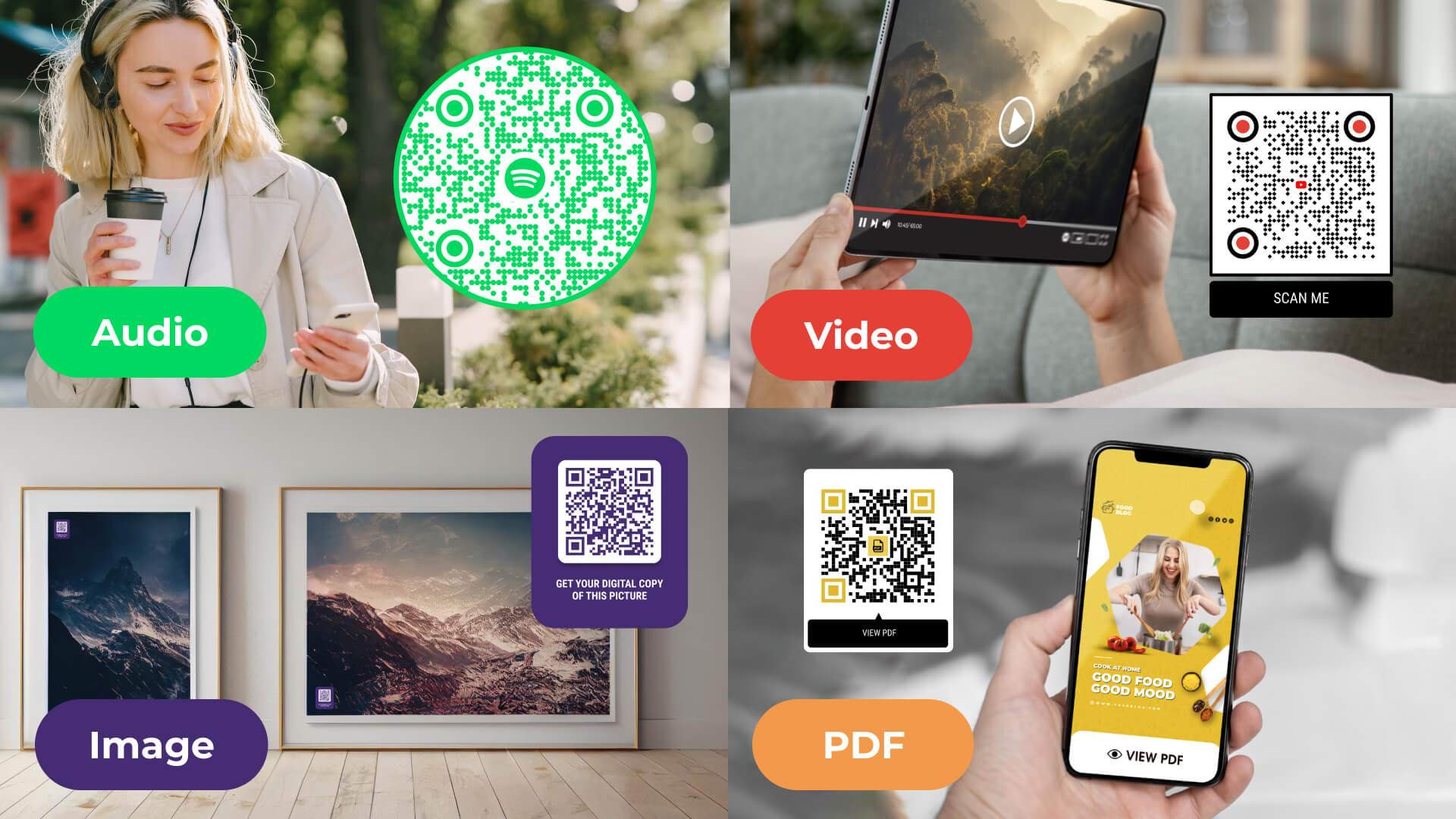
Multimedia QR Code generator: turn audio, video, images, and PDFs into one scannable code

The Complete Guide to QR Codes: How They Work, Types, and Best Practices

Do QR Codes Expire? How Long They Last & Why